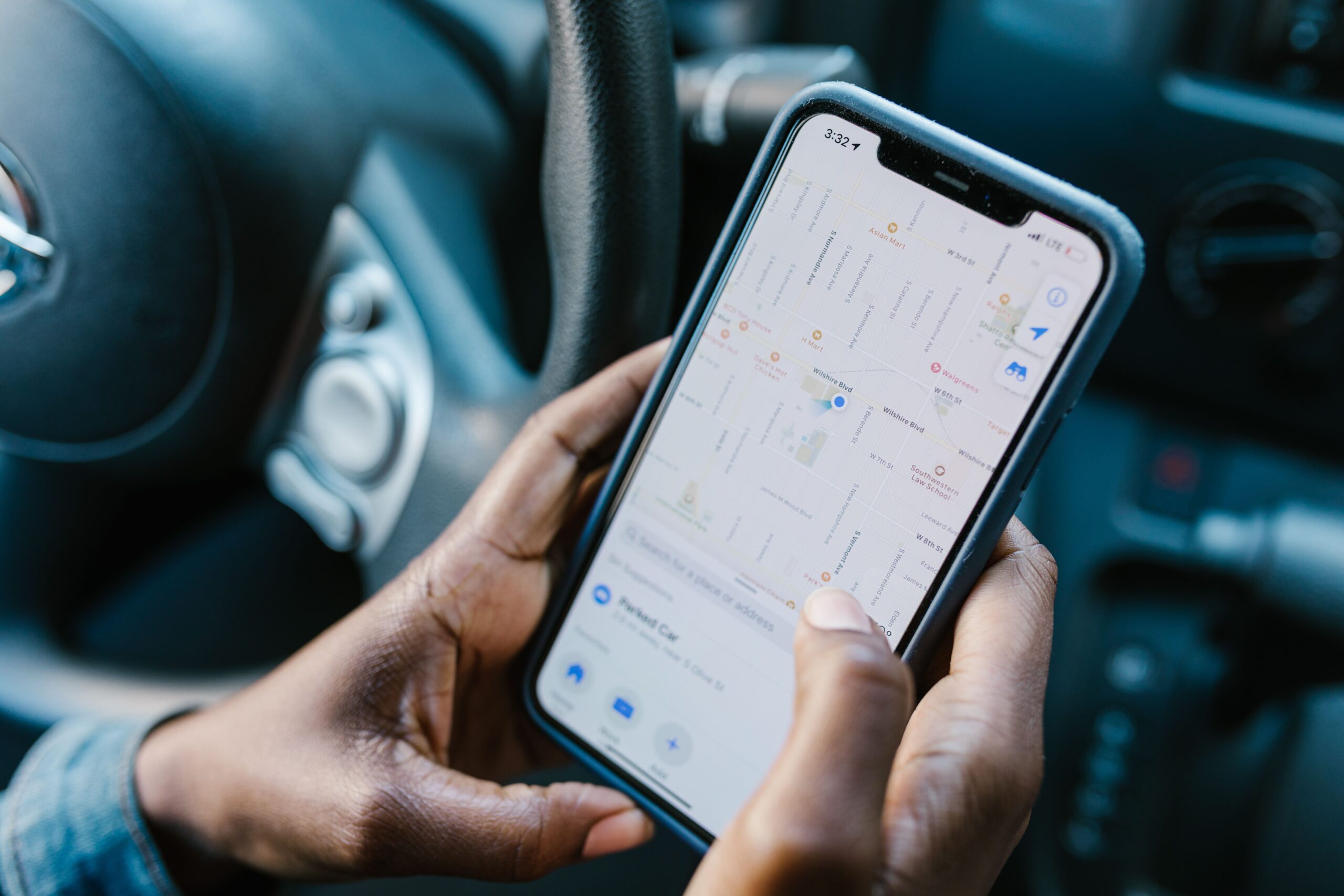
When you call 999 from a smartphone, the emergency services will usually receive your location automatically, but not always precisely. Help them find you faster by also giving a what3words address (over 85% of UK emergency services accept them, says what3words), the road name and nearest junction or house number, a landmark, or the number on a nearby lamppost, bus stop or motorway marker sign.
Updated 2 October 2026 · Sources: what3words, Humberside Police, Ask the Police, Metropolitan Police, GOV.UK, EENA, Google Android Help, Relay UK
Give your location to 999 in 4 steps
1. Call 999 (or 112)
2. Read out your what3words
3. Add a road or landmark
4. Stay on the line
Do emergency services know where I am when I call 999?
Usually, but not always precisely. From a landline, the registered address is passed on automatically. From a mobile, most modern smartphones send their location to the emergency services when you dial 999, and police say they will usually be able to find you. Accuracy varies, especially indoors, in tall buildings or in rural areas, so always give extra details if you can.
How do I use what3words in an emergency?
what3words divides the world into 3 metre squares and gives each one a unique three-word address, such as ///index.home.raft. Open the free app (it works without a data connection), read out the three words for where you are, and spell them if asked. Many UK police, ambulance, fire and rescue services accept what3words addresses. It is most useful in parks, the countryside, large car parks or anywhere without a clear street address.
What should I say first when I call 999?
- Which service you need: police, ambulance, fire or coastguard.
- Where you are: town, road, nearest junction or landmark, or a what3words address.
- What is happening, and whether anyone is hurt or in danger.
- Stay on the line and follow the call handler’s instructions.
If you can’t speak on a mobile, stay on the line and press 55 when prompted. Read how a silent 999 call works.
How do I find my location if I’m lost?
Open your maps app and tap the blue dot to see your address or coordinates, or open what3words. Look around for street signs, shop names, bus stop names or a numbered lamppost. On a motorway, look for the small blue driver location signs or marker posts at the side of the road. On a train, give the train company, direction, next station and carriage number.
Do UK emergency services use what3words?
Most do. what3words says over 85% of UK emergency services accept its addresses, and forces such as Humberside Police ask callers to use it. The app doesn’t send anything to 999 itself: you call and read the three words to the call handler. Set up Emergency SOS on your phone too.
What is Advanced Mobile Location (AML) and does it work automatically?
Yes. Advanced Mobile Location, developed in the UK by BT, EE and HTC, switches on your smartphone’s location when you call 999 or 112 and sends it to the emergency service by text, with no app or action needed, says EENA. It uses GPS or Wi-Fi and is often accurate to 30 metres or less. On Android this is part of Google’s Emergency Location Service.
What if I don’t have what3words or signal?
Without the app, describe a road, junction, landmark, lamppost number or motorway sign. With no mobile signal, move to higher or open ground and try again. On an iPhone 14 or later, Emergency SOS via satellite works in the UK when you are outside with a clear sky. Deaf or speech-impaired? Register for emergencySMS by texting ‘register’ to 999 (Relay UK). Can’t talk? See the silent 999 call guide.
Frequently asked questions
Yes, the app can show your three-word address offline using your phone’s GPS. You still need signal to make the call.
Do both when it helps. Friends can come to you or tell responders where you are. See how to share your live location.
No. You call 999 and read the three words to the call handler. Your smartphone’s own location (Advanced Mobile Location) is what goes automatically. If it isn’t an emergency, check whether to call 999 or 101.
Sources
- what3words: How do I use what3words to get help in an emergency? (UK)
- Humberside Police: Help identify exactly where you are
- Ask the Police: What is the what3words system?
- Metropolitan Police: How to make a silent 999 call
- EENA: Advanced Mobile Location in the UK
- Google Android Help: Get help during an emergency (Emergency Location Service)
- GOV.UK: 999 and 112, the UK’s national emergency numbers
- Apple Support (UK): Emergency SOS via satellite
- Relay UK: Contact 999 (emergencySMS)
General safety information. In an emergency, always call 999.
Keep reading
Your location, sent to the people you trust
When every second counts, Safety App UK sends your chosen contacts an SOS with your exact live location and live video in one tap, so they know where you are and can tell 999 too. Free for 7 days, then £2.99 a month.