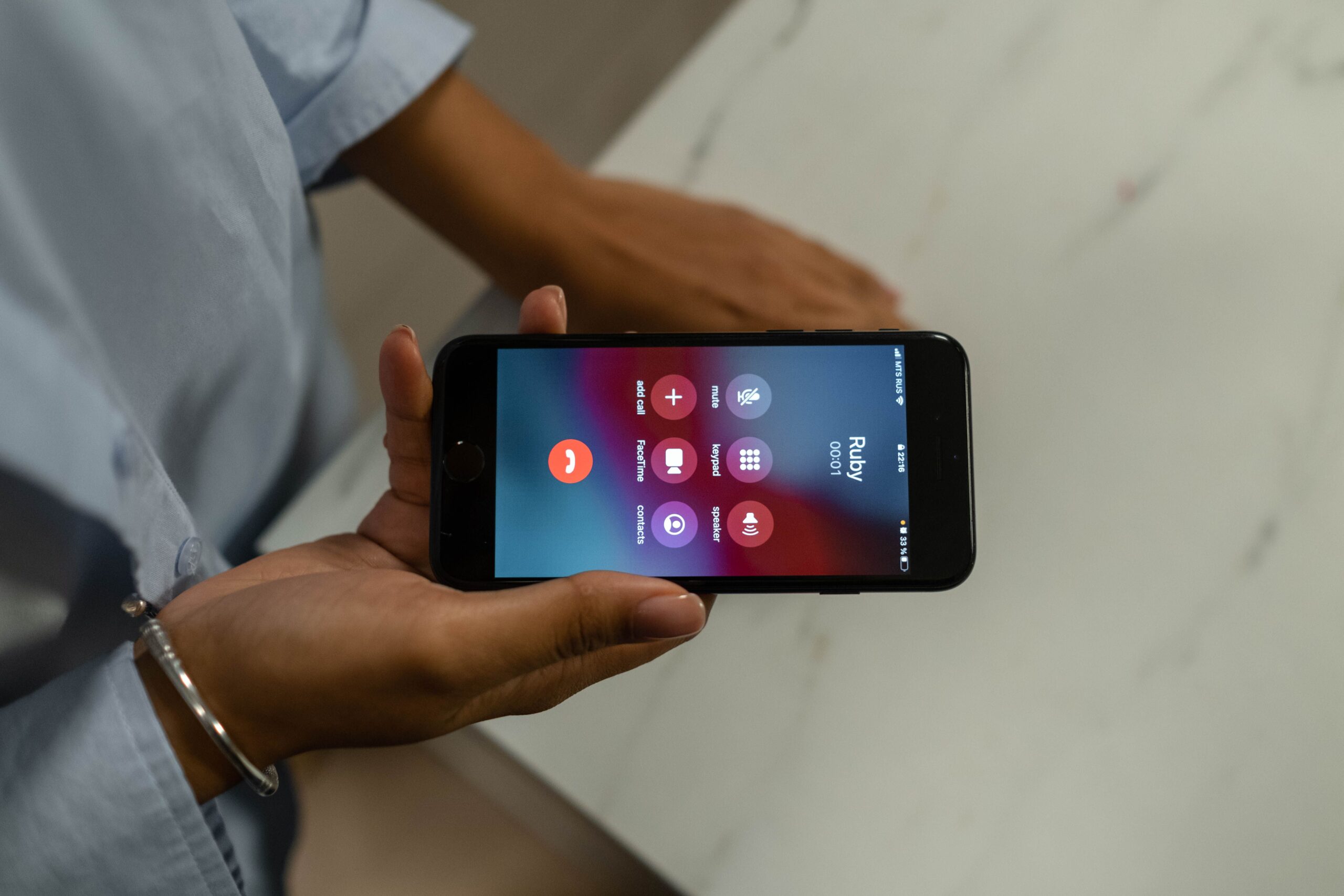
On an iPhone 8 or later, press and hold the side button and either volume button, then drag the Emergency Call slider (or keep holding to call automatically). You can also turn on “Call with 5 Button Presses”. On Android 12 or later, press the power button five or more times. Both call 999 in the UK and can alert your emergency contacts, so set those contacts up today. This built-in SOS is free, so you don’t need a separate SOS app to call 999.
Updated 2 October 2026 · Sources: Apple Support (UK), Google Android Help, GOV.UK, EENA, Which?
What happens when you press Emergency SOS
1. You press the buttons
2. A countdown, then 999
3. Your location goes with the call
4. Your contacts are told
Emergency SOS: iPhone vs Android at a glance
How do I set up Emergency SOS on an iPhone?
- Open Settings → Emergency SOS.
- Choose how it calls: Call with Hold and Release, and if you want it, Call with 5 Button Presses. Call Quietly stops the loud warning sound.
- Add emergency contacts: open the Health app, tap your picture, then Medical ID → Edit → Emergency contacts.
- Practise the button hold without completing the call, so you know what the screen looks like.
How do I set up Emergency SOS on Android?
- Open Settings → Safety & emergency → Emergency SOS (Android 12 or later; some makers, such as Samsung, use similar wording).
- Turn it on and choose whether it starts after a 5-second countdown or when you touch and hold a red button.
- Add emergency contacts and choose whether to share your location, record video and play an alarm.
- Check Battery Saver and aeroplane mode are off when you are out late, because they can stop it working.
What happens after an Emergency SOS call?
Your phone calls 999, the UK emergency number. On an iPhone, once the call ends your emergency contacts get a text with your current location, unless you cancel it, and updates if your location changes. On Android, depending on your settings, your contacts can receive your location and the phone can record video. The emergency operator still needs to hear what is wrong, so speak if you can, or press 55 on a mobile if you can’t.
What is an SOS app and do I need one?
An SOS app is anything that raises the alarm quickly. Every iPhone and Android 12+ phone already has a free one built in: Emergency SOS calls 999 and alerts your emergency contacts. Separate personal safety apps add things like live tracking for friends. Compare them in our fair comparison of safety apps or read our Hollie Guard guide. We make Safety App UK.
What happens when you press Emergency SOS in the UK?
After a short countdown, your phone calls 999. Calls go to BT call-handling centres, which put you through to police, ambulance, fire or coastguard (GOV.UK). Most smartphones also send their location automatically (Advanced Mobile Location). If you can’t speak, see how a silent 999 call works, and learn how to tell 999 where you are.
Does 112 work in the UK?
Yes. GOV.UK says 112, the pan-European emergency number, can be used in the UK and reaches the same BT call-handling centres as 999, where the agent asks “emergency, which service?”. So if you are visiting from abroad and dial 112, or your phone’s Emergency SOS uses it, you still get UK police, ambulance, fire or coastguard. Not sure which number fits? See 999 or 101.
Can I use Emergency SOS with no signal in the UK?
On an iPhone 14 or later, often yes. Apple lists the UK as a country where Emergency SOS via satellite works. It only starts when you have no mobile or Wi-Fi coverage, and you need to be outside with a clear view of the sky and horizon. It lets you text emergency services and shares your location. On Android, Google says Emergency SOS won’t work in aeroplane mode or with Battery Saver on.
Frequently asked questions
Yes. On iPhone, turn on Call Quietly in Emergency SOS settings. On Android, switch off the alarm option in Emergency SOS settings.
Emergency SOS calls 999. Location sharing only tells people you choose. For everyday journeys, see how to share your live location.
Not to call 999. Emergency SOS is built into iPhone and Android 12 or later, free. A separate safety app is optional and mainly helps friends or family follow your journey. See our safety app comparison.
Sources
- Apple Support (UK): Use SOS to contact emergency services on your iPhone
- Apple Support (UK): Make an emergency call or text
- Apple Support (UK): Use Emergency SOS via satellite on your iPhone
- Google Android Help: Get help during an emergency
- GOV.UK: 999 and 112, the UK’s national emergency numbers
- EENA: Advanced Mobile Location in the UK
- Which?: How to make an emergency SOS call from your mobile
General safety information. Menus vary between phone models and software versions. In an emergency, always call 999.
Keep reading
One tap to alert the people you trust
Emergency SOS calls 999. Safety App UK keeps your circle in the loop too: an SOS sends your chosen contacts your live location and live video, and it can start with a button, a shake of the phone, or automatically in an area with more reported crime. Free for 7 days, then £2.99 a month.