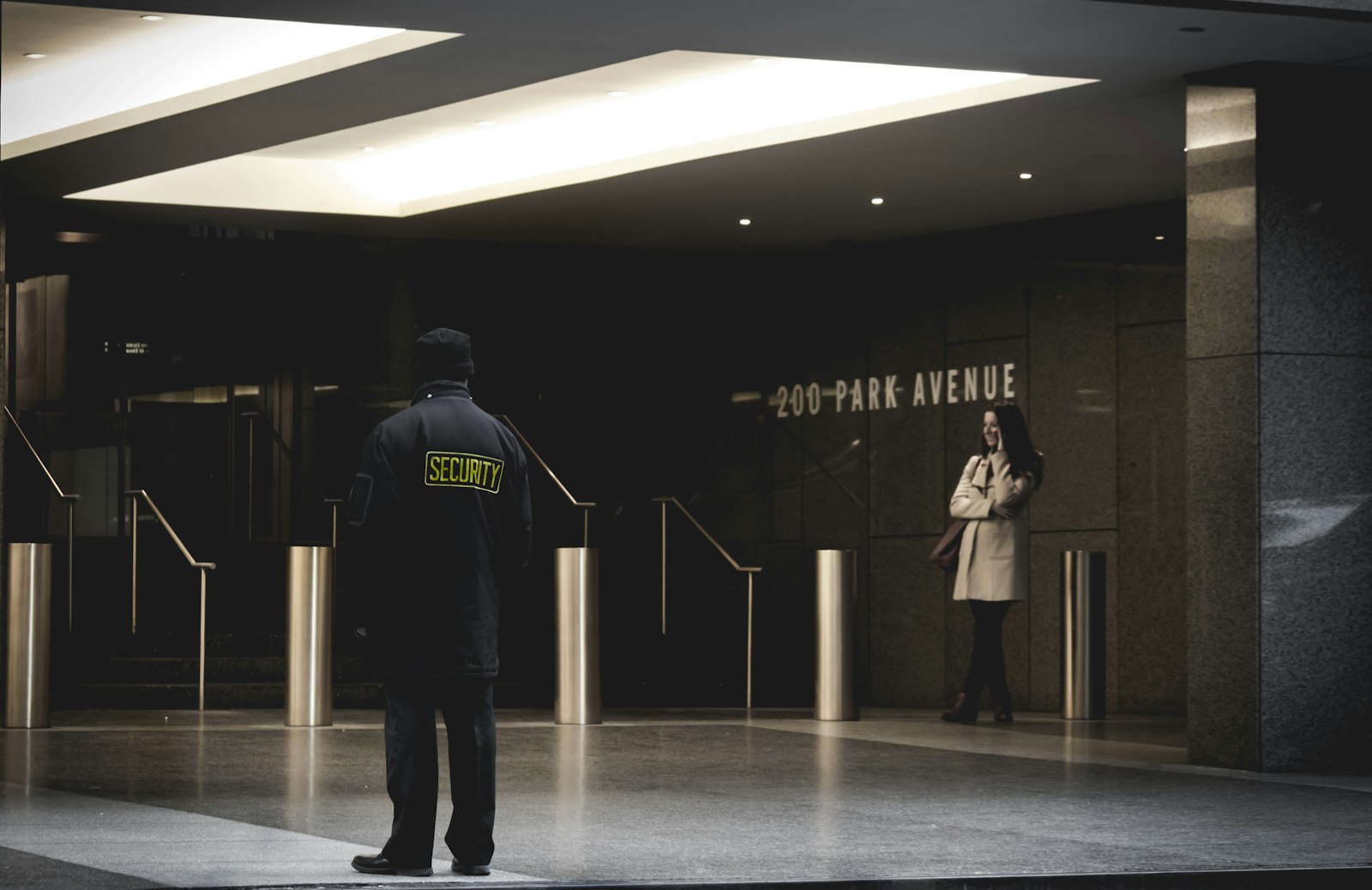
A lone worker safety app lets someone working alone raise the alarm, share their location and check in, so help can be sent if something goes wrong. No UK law requires an app, but employers must assess the risks of lone working and have a way to keep in touch and raise the alarm. An app is one way to do that, and it only works if someone is watching and ready to respond.
Updated 6 October 2026 · Sources: Health and Safety Executive (INDG73 and lone working guidance), HSENI, legislation.gov.uk, BSI, National Security Inspectorate, ICO, Apple and Google support
If you are threatened or hurt while working alone, get to safety and call 999 (or 112). Many safety apps, including ours, alert your contacts but do not call the emergency services for you. If you can’t speak, see how to make a silent 999 call.
What must employers do for lone workers?
In Great Britain, the Health and Safety at Work etc. Act 1974 and the Management of Health and Safety at Work Regulations 1999 require employers to assess and control the risks of working alone. HSE guidance (INDG73) adds training, supervision, keeping in touch and plans for violence and emergencies. Northern Ireland has equivalent laws, enforced by HSENI.
Our guide to lone working safety: your rights and practical steps covers the duties in more detail. This page is about the tools.
Is a lone worker app a legal requirement?
No. No UK law names a specific app or device. The law requires a risk assessment and controls that fit the risk. HSE lists phones, radios and email check-ins at pre-agreed intervals, plus devices for raising the alarm, operated manually or automatically. An app can be part of that plan, as long as someone monitors it and knows what to do.
How to choose a lone worker app in 5 steps
1. Start with the risk assessment
2. Decide who responds
3. Match the features to the risks
4. Check signal, battery and privacy
5. Train, test and review
Based on HSE training, supervision and monitoring of lone workers and HSENI lone working guidance.
Lone worker app options compared
There are three broad options: the free tools built into phones, personal safety apps, and professional lone worker services with a monitoring centre. Disclosure: we make Safety App UK, so it is listed by name and described only with facts we can stand behind. For more apps, see our fair comparison of personal safety apps.
Key: ▲ green = yes or strong, ▬ amber = partly or depends, ▼ red = no. Phone built-ins: iPhone Check In needs iOS 17 or later on both phones; Android Safety Check is part of the Personal Safety app. Monitored services vary, so ask each provider for its specification.
Are free phone tools enough for lone workers?
For lower-risk work they can help. iPhone Check In alerts a contact if you don’t arrive or don’t answer a timer. Android’s Safety Check starts emergency sharing if you don’t respond within 60 seconds. Both rely on a friend or colleague seeing the alert and acting. Set them up with our guides to Emergency SOS and live location sharing.
Do lone worker apps contact the police?
It depends on the type. Phone Emergency SOS calls 999 directly. Personal safety apps, including Safety App UK, alert your chosen contacts, who then need to call 999. Monitored lone worker services send alarms to a staffed centre that decides whether to call the police. Ask any provider exactly how an alarm reaches the police, and how quickly. If you need to report something afterwards, see 999 or 101.
Can my employer track my location through a lone worker app?
Location data can be used for safety, but under UK data protection law workers should be told what is collected, when and why. The ICO’s monitoring workers guidance says workers must be informed, and its examples include letting drivers switch tracking off when they are not working.
How does a lone worker alarm work?
A lone worker alarm is raised by pressing a button, by missing a timed check-in, or automatically by some devices. The app or device sends the worker’s details and location to whoever monitors it: a named colleague or a staffed alarm receiving centre. They check what is happening and follow the response plan agreed in advance, which can mean calling 999.
1. The alarm is raised
2. Details and location are sent
3. Someone checks what is happening
4. The agreed response starts
5. Review and test
Based on HSE monitoring of lone workers guidance. Steps 2 to 4 depend on how your service is set up, so ask your employer or provider what happens at each one.
Lone worker app or dedicated device: which is better?
Neither is better for everyone. A lone worker app runs on a phone the worker already carries, so it costs less to roll out. A dedicated lone worker device is a separate unit built to raise an alarm quickly and discreetly, which can suit higher-risk roles. Phone check-in calls suit short, low-risk jobs. The risk assessment should decide.
Key: ▲ green = strong, ▬ amber = partly or depends on the product, ▼ red = weak. General comparison of the three types, not of any brand. Many services offer both an app and a device. Higher-risk work usually needs a staffed monitoring centre behind either one.
What should you check before buying a lone worker service?
Ask whether the service follows BS 8484:2022, the British Standard code of practice for lone worker services, and who certified it. Under BS 8484:2022, the monitoring centre should be an alarm receiving centre that conforms to BS 9518 and an alarm receiving centre standard such as BS 5979 or BS EN 50518, according to the National Security Inspectorate.
Frequently asked questions
BS 8484:2022 is the British Standard code of practice for lone worker services, published by BSI on 31 March 2022. It covers devices, software apps, monitoring and response options. It is a code of practice, not a law, but it gives buyers a benchmark to ask providers about.
Let the risk assessment decide. An app on a work phone is cheaper to roll out and suits many roles. A dedicated device is built for a fast, discreet alarm and can suit higher-risk work, but it is another thing to wear and charge. For either, ask who monitors the alarms and how quickly they respond.
Yes. HSE’s lone working leaflet is also written for people who engage contractors and for the self-employed. If you work for yourself, set up check-ins with someone you trust and agree what they will do if you miss one.
Raise it with your manager, safety representative or union first. You can also raise a concern with HSE, or HSENI in Northern Ireland. In the meantime, set up your phone’s free tools and carry a noise-only personal alarm.
It can support a lone worker’s personal safety: live location and live video to a trusted circle, SOS by button or shake, and Safe Zone arrival and leave alerts. It does not contact the emergency services and is not a staffed monitoring service, so it does not replace a monitored lone worker service for high-risk work. It is for ages 16 and over.
Sources
- HSE: Protecting lone workers (INDG73 rev4)
- HSE: Training, supervision and monitoring of lone workers
- HSENI: Lone working
- Health and Safety at Work etc. Act 1974, section 2
- Management of Health and Safety at Work Regulations 1999, regulation 3
- BSI: BS 8484:2022 Provision of lone worker services. Code of practice
- National Security Inspectorate: Technical Bulletin 0063, publication of BS 8484:2022
- ICO: Monitoring workers
- Apple: Use Check In for Messages on iPhone
- Google: Android Personal Safety and Safety Check
General safety information, not legal advice. We make Safety App UK. In an emergency, always call 999.
Keep reading
Working alone? Keep someone one tap away
Safety App UK shares your live location with people you trust. An SOS by button or a shake of your phone sends them your location and live video, and Safe Zone alerts tell them when you arrive or leave. It doesn’t call 999 for you. Free for 7 days, then £2.99 a month. For ages 16+.